


-
Log in to your cPanel account.
-
In the Files section, click File Manager.

3. Navigate to the directory where your .htaccess file is located. For the root directory, go to public_html.
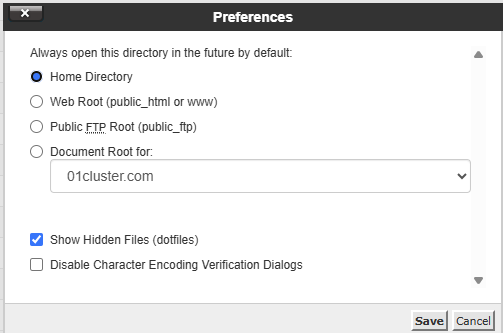
4. If the .htaccess file is not visible:
-
Click Settings in the top-right corner of File Manager.
-
Enable Show Hidden Files (Dotfiles) and click Save.
-
If the file still doesn’t exist, you can create a new one.
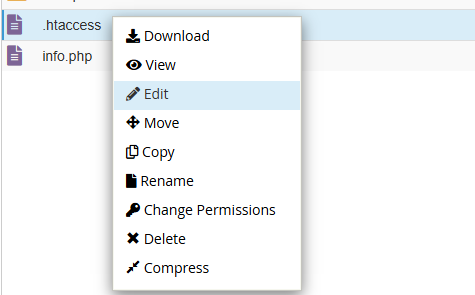
5.Right-click the .htaccess file and select Edit from the menu.
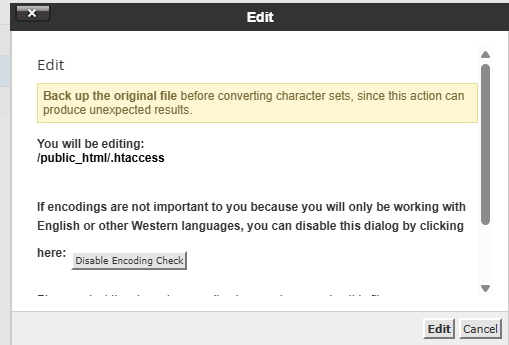
6. In the new window, click Edit again.
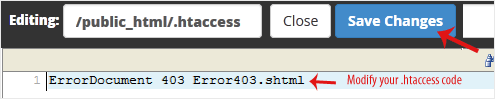
7. Make your changes and click Save Changes.