



A subdomain is an extension of your main domain name that allows you to organize or separate different sections of your website.
For example, you can create subdomains such as:
-
blog.yourdomain.comfor your blog -
shop.yourdomain.comfor your store
Subdomains are often used to host forums, mobile versions, or specialized content without affecting your main website.
Follow these simple steps to create a subdomain in your StableCluster cPanel:
Step-by-Step Process
-
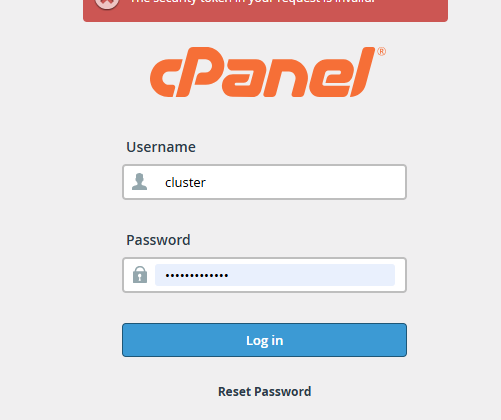
Log in to your cPanel account.
Use your StableCluster-provided username and password to access your cPanel dashboard.
-
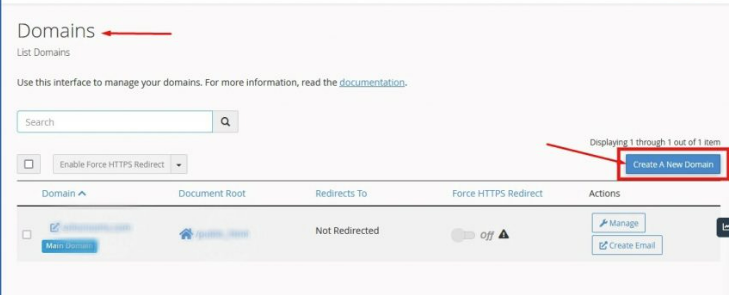
Go to the “Domains” section.
Scroll down to locate and click on Domains.

-
Click “Create a New Domain.”
This option allows you to add both addon domains and subdomains.
-
Enter your desired subdomain name.
For example:blog.yourdomain.com-
Make sure to uncheck the “Share document root” option so it has its own folder.
-
-
Click the “Submit” button.
Note
Ignore the “Subdomain” option that appears above the Submit button — it’s not required when creating subdomains through this method.
That’s it!
Your new subdomain has been successfully created. You can now upload files or install applications into its directory to start using it.
