


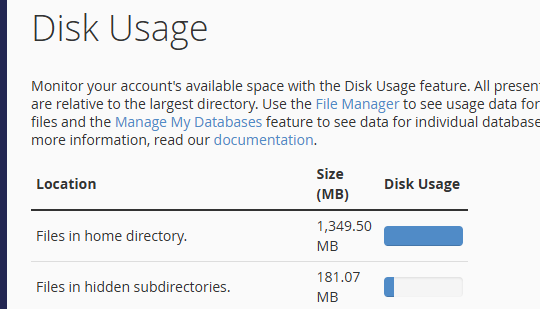
If you receive a disk space usage warning in cPanel and are unsure which directory is consuming too much space, follow these steps:
To Check Disk Usage:
-
Log in to your cPanel account.
-
Go to the Files section and click Disk Usage

3. In the Disk Space Usage area, you can view which directories are taking up the most space, including your MySQL databases.
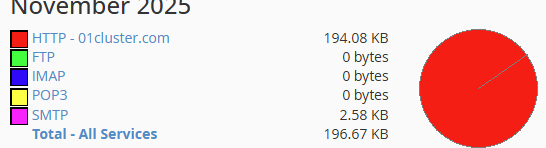
To Check Bandwidth Usage:
-
Go to the Metrics section and click Bandwidth.

2. You can view the bandwidth usage of your domain here.