
Regular backups help keep your website data safe. You can easily download specific parts of your hosting account — such as your Home Directory, MySQL Databases, or Email Accounts using cPanel.
Follow the steps below:
-
Log in to your cPanel account.
-
Go to the Files section and click on Backup Wizard.

-
Under the Backup or Restore option, select Back Up.
-
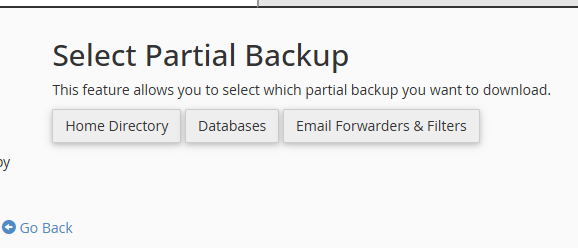
In the Select Partial Backup section, choose the type of backup you want to create:
-
Home Directory
-
MySQL Databases
-
Email Forwarders and Filters
-
-
Click Download to save the selected backup to your computer.

